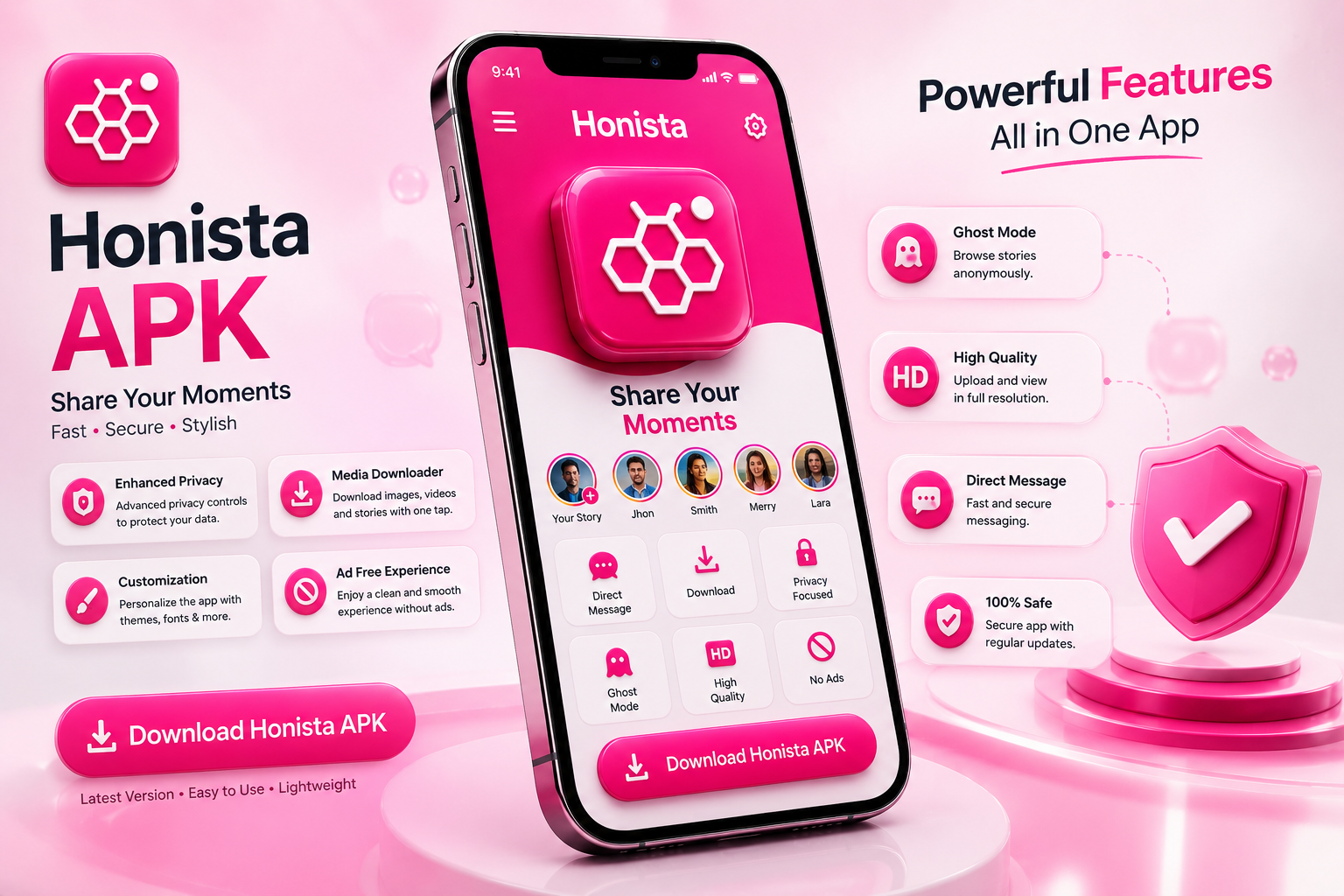
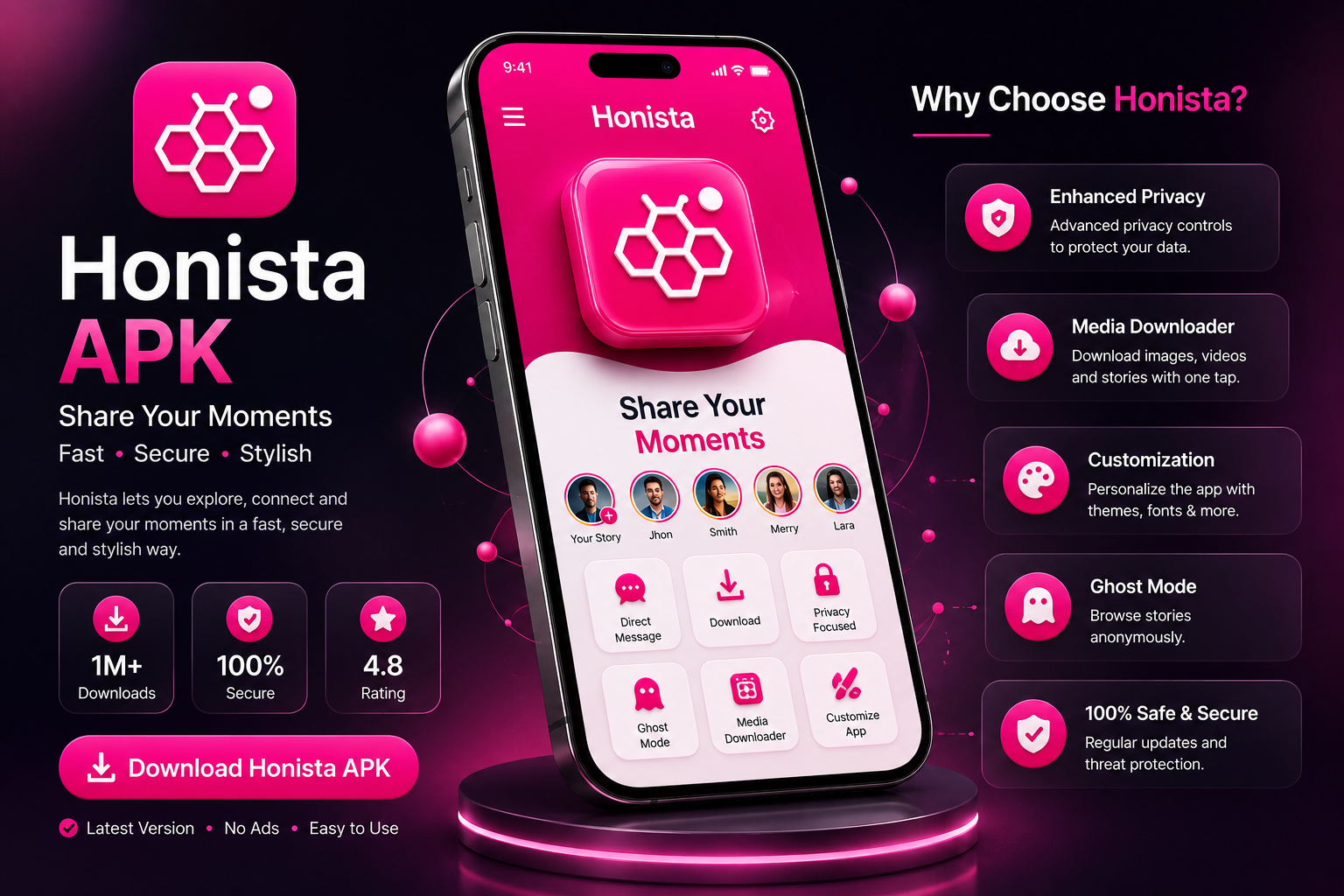
Honista rebuilds the Instagram experience with the controls the official app leaves out —
ghost mode, media downloads, custom themes and a completely ad-free feed. No root,
no subscription, no clutter.
Everything the original app does, plus the settings power users keep asking for.
Built on the app you already know
Honista keeps the original interface, the same feed, reels and direct messages — so there is
nothing new to learn. What changes is control: every switch the stock app hides is exposed
in one settings panel.
Familiar layout, no learning curve
Works without root access
Stories, reels and DMs fully supported
Privacy is the default, not a setting
Read messages without sending a receipt, watch stories without appearing in the viewer
list, and lock the whole app behind a PIN or fingerprint. You decide what other people see.
Ghost mode for stories and chats
App lock with PIN, pattern or fingerprint
Zero advertising in the feed
App information // v13.0
App Name
Honista APK – هونستا
Genre
Social App
Latest Version
V13.0 – 2026
File Size
105.0 MBs
Updated
July 03, 2026
Price
Free
Setup guide
How to install Honista APK
Five steps, about two minutes. No root and no PC required.
01
Download the APK file
Tap the download button on this page and wait for the 105 MB file to finish saving. You will find it in your Downloads folder.
02
Allow installs from this source
Open Settings → Apps → Special access → Install unknown apps, pick your browser or file manager, and turn the permission on.
03
Remove the older build first
If a previous Honista version is installed, uninstall it now. Different signatures cannot be installed over each other.
04
Open the file and install
Tap the downloaded .apk, then choose Install. The process takes around 30 seconds on most phones.
05
Sign in and set it up
Launch Honista, log in with your account, then open the settings panel to switch on ghost mode, pick a theme and set your app lock.
Features
Everything you get with Honista
Eight upgrades over the official client — all switchable from one panel.
UI & Themes
Rebuild the interface around your own taste. Pick from the built-in theme store or design a look that matches your profile.
Ghost Mode
Read messages, open stories and join live broadcasts without leaving a trace. Your activity stays off everyone else's screen.
App Lock
Add a second layer over your DMs with a PIN, pattern, password or fingerprint — set globally or on individual chats.
Font Styles
The stock app gives you one typeface. Honista ships a full library you can apply to chats, captions and the interface itself.
Deep Privacy Controls
Hide typing indicators, seen receipts, screenshot alerts and story views. Every privacy toggle lives in one place.
Save Photos & Videos
A download button sits on every reel, story and post. Media saves straight to your gallery — no third-party downloader needed.
No Advertisements
Sponsored posts and feed ads are switched off by default, so reels play back to back. You can turn them on again any time.
Advanced Settings
Full control over media quality, auto-play, caching and more. Change one setting at a time — a reinstall resets everything safely.
Inside the app
Small details that change how it feels
Three things people notice within the first five minutes of using Honista.
Lighter and faster
With ads and trackers removed, the feed loads noticeably quicker on older phones.
Themes that stick
Your colours, icons and font survive every update — nothing resets to default.
Regular updates
New builds follow the official releases closely, so features keep working.
Why Honista
Why people pick it over the official app
Most modified clients trade stability for features. Honista keeps the original codebase
intact and only adds what you can switch off again — which is why it survives updates
instead of breaking with them.
Clean installer — no bundled extras or hidden services
Works on Android 5.0 and every version after it
Each feature can be disabled individually
Older builds stay available if a new one misbehaves
The file on this page is scanned before every upload and contains no bundled installers or background services. As with any file downloaded outside the Play Store, run your own scan first and only install builds from a source you trust.
No. Honista installs like any other APK on a standard, unrooted phone. You only need to allow installs from unknown sources once, which you can switch back off afterwards.
Yes. Honista uses a different package name, so both apps can sit on the same device and stay signed into different accounts at the same time.
Almost always one of three reasons: an older Honista build is still installed, the download stopped before finishing, or install permission is off for your file manager. Uninstall the old version, download again, then retry.
Your messages live on the server, not in the app, so they reappear as soon as you log back in. Local settings such as themes and font choices are kept between updates of the same build line.
No. Every version on this page is free, with no subscription, trial period or locked features. There is no in-app purchase screen anywhere in the app.
Ready to try Honista v13.0?
One tap to download, two minutes to install. Free, ad-free and no root required.